Help Wizard
Martijn van Welie
Users need help on a certain topic related to site or when they need to find a specific page in the site.
Users need to help on a topic they don't know too much about and they cannot find the information they need by any other way. Typically for site that provide product/service support.
Alternatively, it can also be used as a more 'guided' version of . On large informative sites with hundreds of pages, it can be beneficial for novice users to get some help.. Such sites will already have complex navigation systems, probably including , or . In such cases, the Help Wizard can provide some focused and guided searching.
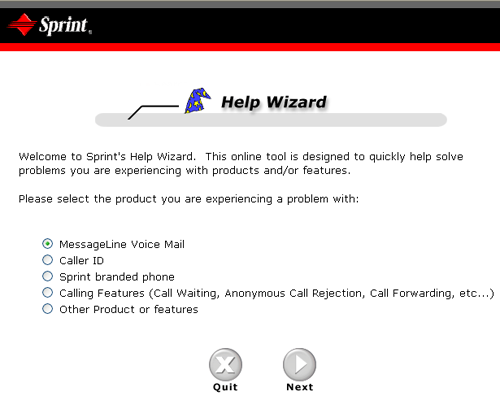
From
www.sprint.com
Use a wizard to identify the topic and set the scope for which the users need help. Then show the possible results in the last step.
A Help Wizard is a where the users first have to specify what it is they need to know/have/find. Once the topic and scope has been set, the possible solutions/results/files are being presented in the last step. The results are given in a similar way as are given. The main difference is that the number op results should be very limited so that is not needed.
The actual design of the comes on two flavors: a) using multiple screens with next/previous links b) all options numbered in one screen. It depends on the number of options per step you have as well as the amount or screen estate available.
A Help Wizard is not the same a Search. The Help Wizard only covers a small range of topics and is therefore short and focused. It is almost like a drilling down in a small about of hierarchical information.
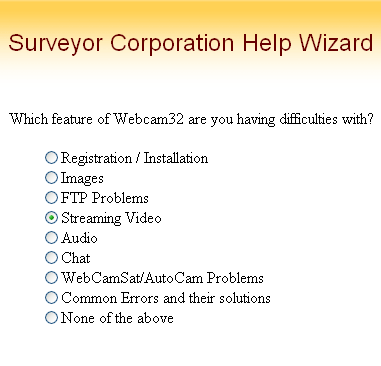 And one example where everything is done in one screen....
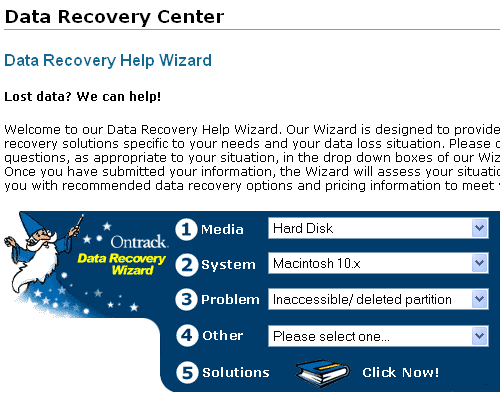 www.surveyor.com; www.sprint.com; www.ontrack.com